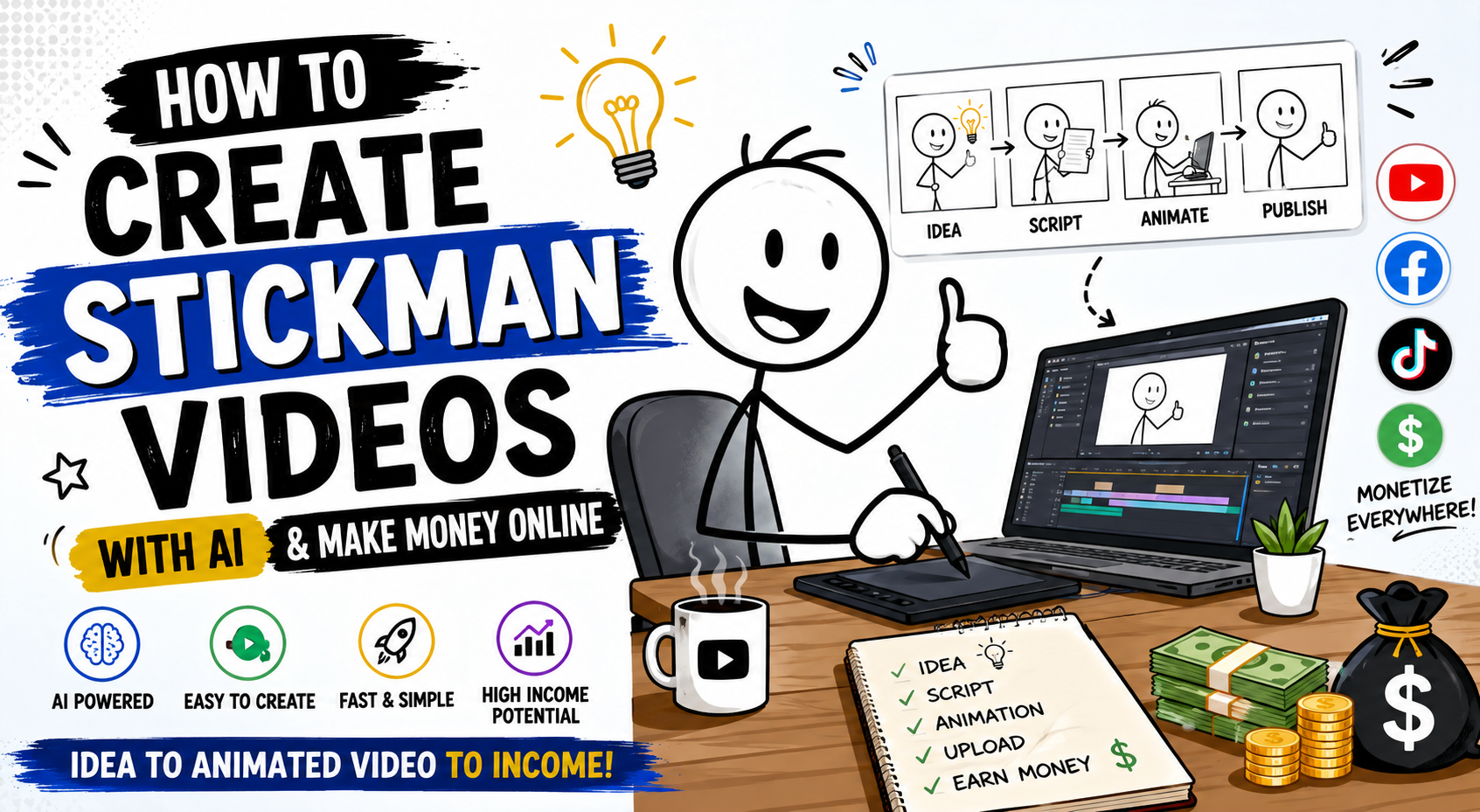
How to Create Stickman Videos with AI and Make Money Online (Complete Beginner’s Guide)

Stickman videos have become one of the easiest content formats to create in 2026. Their simple design, entertaining storytelling, and low production cost make them ideal for beginners, YouTubers, educators, marketers, and social media creators.

The best part? You don’t need expensive animation software or years of experience anymore. With AI tools, you can create professional-looking stickman videos in minutes and publish them on YouTube, Facebook, TikTok, Instagram Reels, or even sell them to clients.

In this complete guide, you’ll learn everything you need to know about creating stickman videos, choosing profitable niches, using AI prompts, monetizing your content, and building a long-term online income.


Table of Contents

  1. What Are Stickman Videos?
  2. Why Stickman Videos Are So Popular
  3. Benefits of Creating Stickman Videos
  4. Best Niches for Stickman Content
  5. AI Tools You’ll Need
  6. Step-by-Step Process to Create Stickman Videos
  7. The Ultimate AI Prompt
  8. Editing Your Stickman Videos
  9. Uploading and SEO
  10. Ways to Make Money
  11. Common Mistakes
  12. Final Thoughts

What Are Stickman Videos?

Stickman videos are animations created using simple human-like figures made from lines and circles. Despite their minimal design, they can explain complex ideas, tell funny stories, teach lessons, or entertain millions of viewers.

Popular stickman videos include:

  • Funny husband vs wife videos
  • Office humor
  • Student life
  • Relationship comedy
  • Motivational stories
  • Educational explainers
  • Life lessons
  • Tech tutorials
  • Business concepts
  • Financial education

Millions of people enjoy stickman videos because they are easy to understand, visually clean, and highly engaging.


Why Are Stickman Videos Going Viral?

Simple content often performs better than overly complicated animations.

Here are a few reasons why stickman videos consistently receive millions of views:

Easy to Understand

The viewer focuses on the story instead of complicated graphics.

Fast to Produce

One creator can make several videos every day.

AI Friendly

Modern AI image and animation tools understand stickman prompts extremely well.

Low Cost

No actors.

No cameras.

No studio.

No expensive animation software.

High Retention

Simple movement keeps viewers watching until the end.


Benefits of Creating Stickman Videos

Creating stickman videos offers many advantages:

  • Beginner-friendly
  • No drawing skills required
  • Fast production
  • Low investment
  • Suitable for YouTube Shorts
  • Great for Facebook Reels
  • Perfect for TikTok
  • Easy to automate
  • High content scalability
  • Excellent educational format

Many successful creators upload multiple stickman videos daily because production is quick.


Best Stickman Video Niches

Choosing the right niche is extremely important.

Some of the highest-performing niches include:

Funny Husband vs Wife

Examples:

  • Wife’s Shopping vs Husband’s Wallet
  • Husband Forgot Anniversary
  • Husband Cooking Disaster

School Life

  • Exam pressure
  • Homework struggles
  • Teacher vs students

Office Humor

  • Monday morning
  • Lazy coworker
  • Boss meetings

Money Tips

  • Saving money
  • Budgeting
  • Investing basics

Motivation

  • Never give up
  • Discipline
  • Success habits

Educational Videos

  • Science
  • Mathematics
  • History
  • Technology

Parenting

  • Kids vs parents
  • Family routines
  • Daily parenting struggles

Relationship Stories

  • Dating
  • Marriage
  • Friendship

AI Tools You Can Use

Today’s AI tools make animation easier than ever.

Popular tools include:

  • ChatGPT
  • Gemini
  • Claude
  • Grok
  • Leonardo AI
  • Midjourney
  • Flux
  • Kling AI
  • Runway
  • Pika
  • CapCut
  • Canva
  • ElevenLabs
  • HeyGen

Each tool helps automate a different part of the workflow.


Step-by-Step Process to Create Stickman Videos

Step 1: Pick a Topic

Choose one simple idea.

Examples:

  • Husband vs Wife
  • Student Life
  • Office Comedy
  • Daily Problems
  • Funny Parents

Step 2: Generate the Script

Use AI to create a short script.

Keep it around one minute.


Step 3: Create Image Prompts

Generate one image for every scene.

Maintain the same stickman character throughout the video.


Step 4: Animate

Animate each image with subtle movements.

Simple motion works best.


Step 5: Add Voice-over

Use either:

  • Your own voice
  • AI voice

Natural voices perform better.


Step 6: Add Sound Effects

Small sounds improve engagement.

Examples:

  • Door opening
  • Phone ringing
  • Clock ticking
  • Cash register
  • Footsteps

Step 7: Edit

Combine everything using:

  • CapCut
  • Premiere Pro
  • DaVinci Resolve

Step 8: Export

Recommended settings:

  • 1080ร—1920
  • MP4
  • 60 FPS (optional)
  • H.264 codec

Perfect for Shorts and Reels.


The Ultimate AI Prompt for Creating Stickman Videos

The following prompt can generate a complete AI-ready stickman video package, including a script, image prompts, and animation prompts. Simply replace the placeholders with your preferred video duration and topic.

PROMPT

You are an Elite Educational Content Creator, Stickman Storyboard Designer, and AI Animation Prompt Engineer specializing in minimalist stickman explainer videos.

Your task is to generate a complete AI-ready video package based on the following input:

Video Duration: [XX Seconds]

Topic: [INSERT VIDEO TOPIC]

Generate the entire project in the exact order below.

โ”โ”โ”โ”โ”โ”โ”โ”โ”โ”โ”โ”โ”โ”โ”โ”โ”โ”โ”โ”โ”โ”โ”
PART 1 โ€” VIDEO SCRIPT
โ”โ”โ”โ”โ”โ”โ”โ”โ”โ”โ”โ”โ”โ”โ”โ”โ”โ”โ”โ”โ”โ”โ”

Write a clear, engaging, and easy-to-follow voice-over script using simple English.

Requirements:

* Divide the narration into 5โ€“6 scenes.
* Each scene should last approximately 10โ€“12 seconds.
* Keep the total runtime close to 59 seconds.
* Use natural, conversational language.
* Clearly describe what the stickman is doing, thinking, or feeling.
* Include subtle body language, facial expressions, and small gestures that match the narration.
* Keep the pacing smooth and beginner-friendly.

โ”โ”โ”โ”โ”โ”โ”โ”โ”โ”โ”โ”โ”โ”โ”โ”โ”โ”โ”โ”โ”โ”โ”
PART 2 โ€” IMAGE PROMPTS
โ”โ”โ”โ”โ”โ”โ”โ”โ”โ”โ”โ”โ”โ”โ”โ”โ”โ”โ”โ”โ”โ”โ”

Create one detailed image prompt for every scene.

Each prompt must be written as a single paragraph.

Every prompt MUST begin with:

"Use the same stickman character as before."

Then describe:

* Character pose
* Current action
* Facial expression
* Body language
* At least one prop (table, chair, phone, clock, laptop, book, etc.)
* A simple, clean background
* Minimalist stickman illustration style

The stickman character must remain visually identical in every scene.

Only the pose, expression, action, and props should change.

โ”โ”โ”โ”โ”โ”โ”โ”โ”โ”โ”โ”โ”โ”โ”โ”โ”โ”โ”โ”โ”โ”โ”
PART 3 โ€” ANIMATION / MOTION PROMPTS
โ”โ”โ”โ”โ”โ”โ”โ”โ”โ”โ”โ”โ”โ”โ”โ”โ”โ”โ”โ”โ”โ”โ”

Generate one simple animation prompt for every scene.

Focus only on subtle movements, including:

* Arm movements
* Head turns
* Hand gestures
* Eye direction
* Facial expression changes
* Small prop interactions

Keep the body mostly stationary.

The animation should remain simple, smooth, and easy for AI video generators to follow.

โ”โ”โ”โ”โ”โ”โ”โ”โ”โ”โ”โ”โ”โ”โ”โ”โ”โ”โ”โ”โ”โ”โ”
GLOBAL RULES
โ”โ”โ”โ”โ”โ”โ”โ”โ”โ”โ”โ”โ”โ”โ”โ”โ”โ”โ”โ”โ”โ”โ”

* Use the exact same stickman character throughout the entire video.
* Never redesign or replace the character.
* Only modify the pose, facial expression, actions, and props between scenes.
* Keep all visuals clean, minimal, and easy to understand.
* Maintain a consistent white-background educational stickman style.
* Ensure the total video duration is approximately 59 seconds.
* The final output must be beginner-friendly, visually consistent, and ready for direct use in AI image and video generation tools.

Follow the output order exactly:

Video Script

Image Prompts

Animation / Motion Prompts

How to Edit Stickman Videos

Editing is where your video comes to life.

Use:

  • Smooth cuts
  • Zoom effects
  • Simple transitions
  • Background music
  • Voice synchronization
  • Subtitle animations

Avoid excessive effects.

Clean editing performs better.


SEO Tips for YouTube

Before uploading:

Use a Clickable Title

Examples:

  • Husband vs Wife Funny Animation
  • Funny Stickman Story
  • AI Stickman Video Tutorial
  • Best Stickman Animation

Write a Good Description

Include:

  • Main keyword
  • Related keywords
  • Social links
  • Call-to-action

Add Relevant Tags

Examples:

  • stickman animation
  • AI stickman
  • funny animation
  • stickman story
  • AI video
  • educational animation
  • YouTube Shorts
  • Facebook Reels

Design an Attractive Thumbnail

Include:

  • Large facial expressions
  • Bright colors
  • Short text
  • Clear emotion

How to Make Money with Stickman Videos

There are several ways to turn your stickman animations into income.

1. YouTube Partner Program

Monetize long-form videos and Shorts through ads after meeting the platform’s eligibility requirements.


2. Facebook Monetization

Publish engaging Reels and videos to earn through Facebook’s monetization features where available.


3. TikTok Creator Programs

Depending on your region and eligibility, you can earn from creator reward programs and brand collaborations.


4. Sell Animation Services

Many businesses need simple animated explainer videos. Offer your services on freelance platforms or directly to clients.


5. Create Online Courses

Teach beginners how to create stickman videos using AI and sell your course on platforms like Udemy or your own website.


6. Affiliate Marketing

Recommend AI tools, animation software, or editing apps using affiliate links and earn a commission from qualifying purchases.


7. Sponsorships

As your audience grows, brands may pay you to feature their products or services in your videos.


8. Digital Products

Sell:

  • Prompt packs
  • Story templates
  • Thumbnail templates
  • Animation assets
  • Video bundles

Common Mistakes Beginners Make

Avoid these pitfalls:

  • Changing the stickman character in every scene
  • Using overly complex backgrounds
  • Making videos too long
  • Poor audio quality
  • Inconsistent animation
  • Weak storytelling
  • Ignoring SEO
  • Posting irregularly
  • Copying other creators instead of adding your own style

Consistency and originality are key to long-term success.


Tips for Faster Growth

  • Upload consistently.
  • Focus on one niche before expanding.
  • Study your audience retention and improve your storytelling.
  • Experiment with hooks in the first three seconds.
  • Reuse successful video formats with fresh topics.
  • Use AI to speed up scripting, visuals, and editing while keeping the content original.
  • Engage with viewers through comments and community posts.

Final Thoughts

Stickman videos prove that you don’t need complex animation or expensive equipment to build a successful content business. With a compelling story, a consistent visual style, and the power of AI, anyone can create engaging videos that educate or entertain.

Start by choosing a simple niche, use the AI prompt above to generate your script and scene prompts, edit the video with clean transitions and voice-over, and publish consistently across YouTube, Facebook, TikTok, and Instagram. As your library of videos grows, you can diversify your income through platform monetization, freelancing, affiliate marketing, sponsorships, and digital products.

The most important step is to begin. Your first video may not be perfect, but every new upload will improve your skills, expand your audience, and move you closer to building a sustainable online income with stickman animation.

Leave a Reply

Your email address will not be published. Required fields are marked *