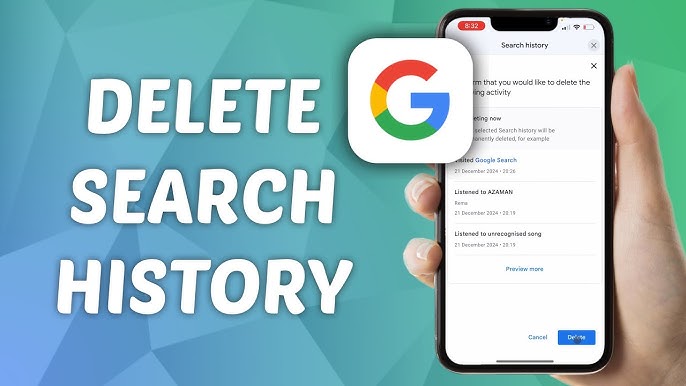
If you use Google services like YouTube or Google Search regularly, your watch and activity history is automatically saved. This helps improve recommendations, but sometimes you may want to clear it for privacy or a fresh start.
In this simple guide, you’ll learn how to clear your Google watch history step-by-step — even if you’re not tech-savvy.
📌 What is Google Watch History?
Google Watch History mainly refers to the videos you watch on YouTube while logged into your Google account. This data is used to:
- Recommend videos based on your interests
- Improve your browsing experience
- Personalize ads and suggestions
However, if you share your device or value privacy, clearing this history is a good idea.
✅ Method 1: Clear YouTube Watch History (Mobile & Desktop)
Step-by-Step Guide:
- Open YouTube
- Make sure you’re logged into your Google account
- Click on your Profile Icon (top right corner)
- Go to Settings
- Select History & Privacy
- Click on Clear Watch History
- Confirm your action
✔️ Done! Your watch history is now deleted.
✅ Method 2: Clear Watch History from Google Account
You can also manage your activity from your main Google account:
Steps:
- Go to Google My Activity
- Sign in to your account
- Click on YouTube History
- Select Delete
- Choose:
- Last hour
- Last day
- All time
- Confirm deletion
This method gives you more control over what you delete.
🔒 Bonus: Turn Off Watch History (Stop Tracking)
If you don’t want Google to track your watch history in the future:
Steps:
- Go to Google My Activity
- Click on YouTube History
- Tap on Turn Off
✔️ This will stop Google from saving your watch activity.
💡 Pro Tips
- Use Incognito Mode on YouTube for private viewing
- Regularly clear your history for better privacy
- Pausing history can improve recommendation accuracy
❓ Frequently Asked Questions
1. Will clearing watch history affect recommendations?
Yes, your recommendations may reset or change.
2. Can I recover deleted watch history?
No, once deleted, it cannot be recovered.
3. Does clearing history delete subscriptions?
No, your subscriptions and saved videos remain safe.
🎯 Final Words
Clearing your Google watch history is quick, easy, and important for maintaining your privacy. Whether you want a fresh start or just want to hide your activity, following these steps will help you stay in control.
If you found this guide helpful, consider sharing it with others!
🔎 SEO Keywords:
Google watch history, clear YouTube history, delete Google activity, YouTube history settings, Google privacy settings, remove watch history, stop tracking YouTube, clear browsing activity, Google account activity delete